
Keyword Cannibalization for Small Business: How to Spot It and Fix It
A small auto workshop publishes a service page titled "Brake Repair" and, a month later, a blog note with almost the same heading: "Brake Repair: What You Need to Know." Both pages talk about pads, rotors, and booking a visit. A customer, and a search system looking at the site, cannot tell which URL is meant to be the main answer. This workshop is a fictional teaching example, not a measured case.
That overlap is keyword cannibalization: two pages on the same site going after one query with one job. The fix is not a paid auditor. It is a careful look at intent and, when you have enough data, at Search Console—then a choice to differentiate, combine, or retire a URL.
What keyword cannibalization is — and what it is not
In plain terms, it is a conflict of purpose, not merely a repeated word. Two (or more) of your URLs are written as if they should both be the main result for the same search with the same intent. You may also hear this called SEO cannibalization. The problem is the mixed signal, not the fact that two pages mention the same service.
Two pages, one job
The workshop example is the usual pattern on a small service site. The service page should help someone book or request brake work. The blog note, if it is useful, should answer a narrower question: how to tell noisy brakes from a worn pad, or what to bring to a diagnostic visit. When both titles and next steps point at "brake repair" as a job to book, they are doing one job on two URLs.
Content cannibalization is a close cousin: the pages overlap in substance even if the target phrase is not identical. If two articles retell the same process in the same depth, a reader still does not know which one to use. This article stays on the keyword conflict—the case where one query has two would-be winners. Close wording alone is not a verdict: "What is a brake inspection" and "Book a brake inspection" can mention the same service while answering different questions.
Two URLs in a report are not automatically a problem
Seeing two of your URLs next to one query in Search Console, or even seeing both in results, is not automatically a problem. It can mean the pages serve different jobs, or that search is still testing which URL fits. Duplicate URLs created by tracking parameters are a technical mess, but they are not the same as two carefully written pages that happen to share a topic. Do not merge a useful guide and a useful service page just because they share a noun, and do not treat a single weak week of data as proof of a conflict.
British spelling sometimes appears as "keyword cannibalisation." It is the same idea, not a different problem.
How to look for it in Search Console
Search Console can show whether two pages are picking up the same query. It does not have a report labeled "Cannibalization," and there is no official threshold of impressions that "counts" as a conflict. You are looking for a pattern, not a score.
Start from a query that matters
Open Performance, then Search results. Choose a date range long enough that a quiet week cannot dominate the picture—often a few months, not seven days. Then filter by the exact query you care about, not by a broad catch-all. On a small site, start with the queries that already matter to the business: the name of a core service, or a phrase you deliberately gave to one page.
If the site is very new, or the query has almost no data, say so in your notes and do not force a conclusion. A lack of data is not proof that the pages are fine, and it is not proof that they are in conflict. You can still compare the pages by intent, which the next section covers, and return to the report when there is more history.
Read the Pages view, then check the pattern over time
With the query filter on, open the Pages view. Write down which URLs received impressions or clicks for that query, and in which order they appear in the report. Then look at the same query over time. A one-day swap between two URLs can be noise. A long stretch in which two service-like pages trade places, or in which a blog note steadily takes impressions from the page you meant to keep, is more worth a closer look.
Do not invent a rule such as "if both pages have more than N impressions, you must merge them." Two URLs with a handful of impressions may still be a conflict if they are clearly written for the same job. Two URLs with more activity may be a healthy pair if they answer different questions. The report tells you what was shown. It does not, by itself, tell you what to delete.
If you use another search analytics view, apply the same discipline: one query, a fair time window, and a list of URLs—not a tool that flags "cannibalization" without showing the pages.
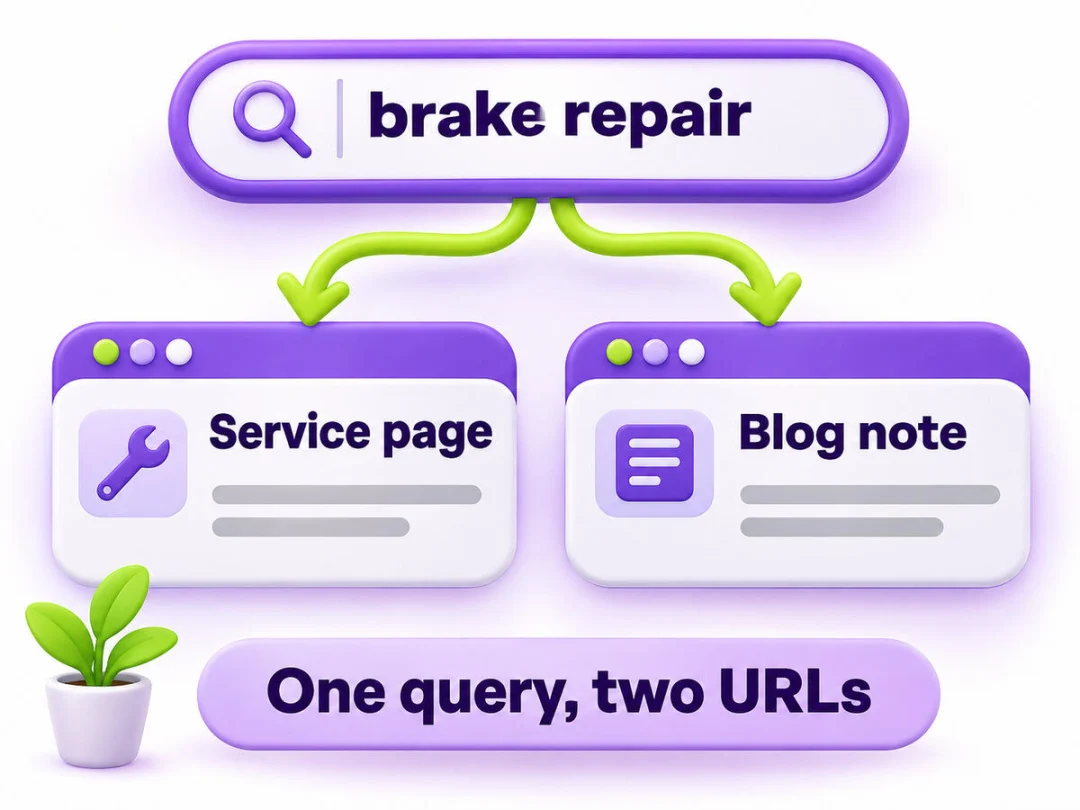
One query, two URLs
Decide whether the pages serve the same job
Before you rewrite or retire a page, decide what job each URL is supposed to do. The Search Console list is an input, not the verdict.
Same intent
Pages share intent when a person would reasonably expect the same next step from either of them. In the fictional workshop, both the service page and the blog note end by asking the reader to book brake repair, and neither explains a different question in any depth. A person searching "brake repair" is looking for a place to get the work done, and both URLs try to be that place. That is a conflict. Signs of the same job include nearly identical titles, the same primary promise, and internal links that treat both pages as the main service URL.
Different jobs that only share a word
Pages have different jobs when they answer different questions, even if they share a service name. A page that explains how a brake inspection works, with no attempt to be the booking page, is not automatically at war with the service page. A seasonal article about winter tire checks is not the same job as a year-round tire-service page, provided the article does not rewrite the service offer under a new heading.
The table below uses the fictional workshop and clearly invented report figures. The numbers are for teaching only; they are not a threshold and not data from a real site.
| Query | URL A | URL B | What the person is trying to do | Conclusion |
|---|---|---|---|---|
| brake repair | /services/brake-repair | /blog/brake-repair-what-you-need-to-know | Find a shop and book the work | Conflict: both pages try to be the service page |
| brake inspection | /services/brake-repair | /blog/what-a-brake-inspection-includes | Understand the steps of an inspection, not book yet | Different jobs, if the article stays explanatory |
| brake repair | /services/brake-repair | /blog/brake-repair-what-you-need-to-know (too new to show a stable pattern) | Unclear from two weeks of data | Too early to judge from the report; compare intent first |
Use a table like this for the queries you actually care about. If you cannot state the user's question in one sentence, you are not ready to merge or redirect anything.
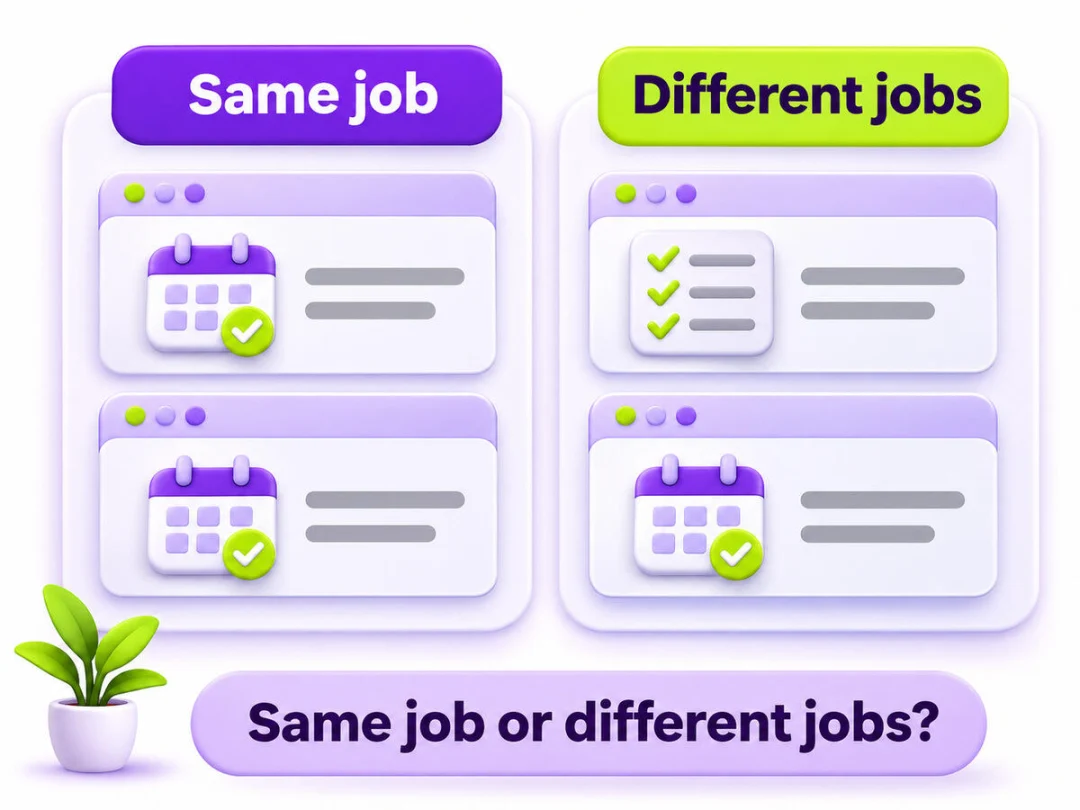
Same job or different jobs?
Fix: differentiate, merge, or redirect
Once you know whether the pages share a job, you can choose a fix. There is no single correct move, and none of these steps promises a higher position. The aim is a clearer site: one obvious page for each need. The right fix depends on that decision, not on a default 301.
Rewrite the weaker page for a different need
If the weaker page has a real reason to exist, rewrite it so it answers a different question. Keep the stronger URL as the service or main answer, and give the other page a more specific job: a how-to, a comparison, or a narrower situation the main page should not have to cover. In the workshop example, the blog note can become "What a brake inspection includes," and it can point to the service page when the reader is ready to book.
This is often the lightest fix on a small site. If the second page needs a more precise target, give the weaker page a more specific query instead of leaving it in a contest for the broad service term. After the rewrite, change the title, the opening, and the internal links so they match the new job.
Combine useful material and retire the duplicate
If both pages are trying to do the same job, and neither has a separate question worth keeping, move the useful details onto the one URL you want to keep. Then retire the duplicate so it is no longer published as a competing page. Choose the keeper for reasons a reader would understand: it is the official service URL, it already has the clearer structure, or it is the page in your menu. Do not keep a URL only because it is older.
A canonical tag is sometimes mentioned as a technical hint about a preferred URL. It is not a substitute for combining the content and taking the extra page out of circulation. If you are not sure what a canonical tag would do in your case, do not add one as a shortcut.
Use a redirect only when the URL should not stay
Use a redirect when the old URL should no longer exist as its own page: the content has been merged, the post was a duplicate, or you have replaced one service URL with another. A permanent redirect (often called a 301) is a cautious step in that situation, not an automatic rule. There is no requirement to 301 every overlapping page, and this article will not map redirect chains or promise that "all link value" will move.
If the weaker page can serve a different need after a rewrite, leave it in place with a new job. If you are unsure, do not redirect yet. After you merge or redirect, point internal links at the page that should rank, and update the menu so two "main" URLs are not still sitting side by side.
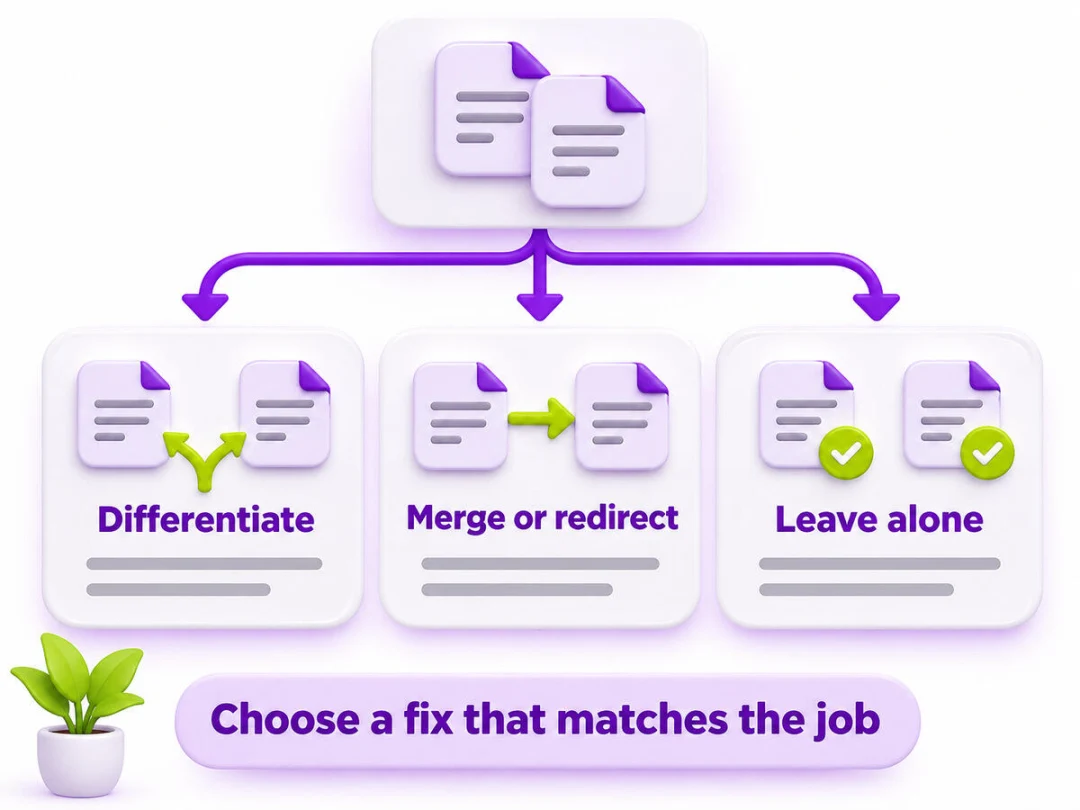
Choose a fix that matches the job
Prevent it with one primary query per URL
The most reliable prevention is editorial, and it happens before you publish. Each new URL should own one primary query and one job. If a service page already covers "brake repair," a new article should not be another general "brake repair" page. It should cover a question that page does not answer.
That habit sits next to the work of choosing topics in the first place. When you plan a new URL, map one primary query to each URL and check the pages you already have. A more specific query is useful when you would otherwise publish a second page for a term that is taken. Internal links should support the same decision: they point to the page that is supposed to be the main answer, not to every page that mentions the word.
Keep a short inventory for a small site—even a table with the URL, the primary query, and the job in one sentence. Before a new page goes live, search that list. If the job is already taken, rewrite the draft or add the new material to the existing page. This is not a full keyword-research lesson and not a guide to link hubs; it is a publishing check.
Do not treat this as a ban on mentioning a service twice. A blog note can name brake repair and still send the booking job to the service page. The rule is one primary query and one job per URL, not one allowed mention of a word.
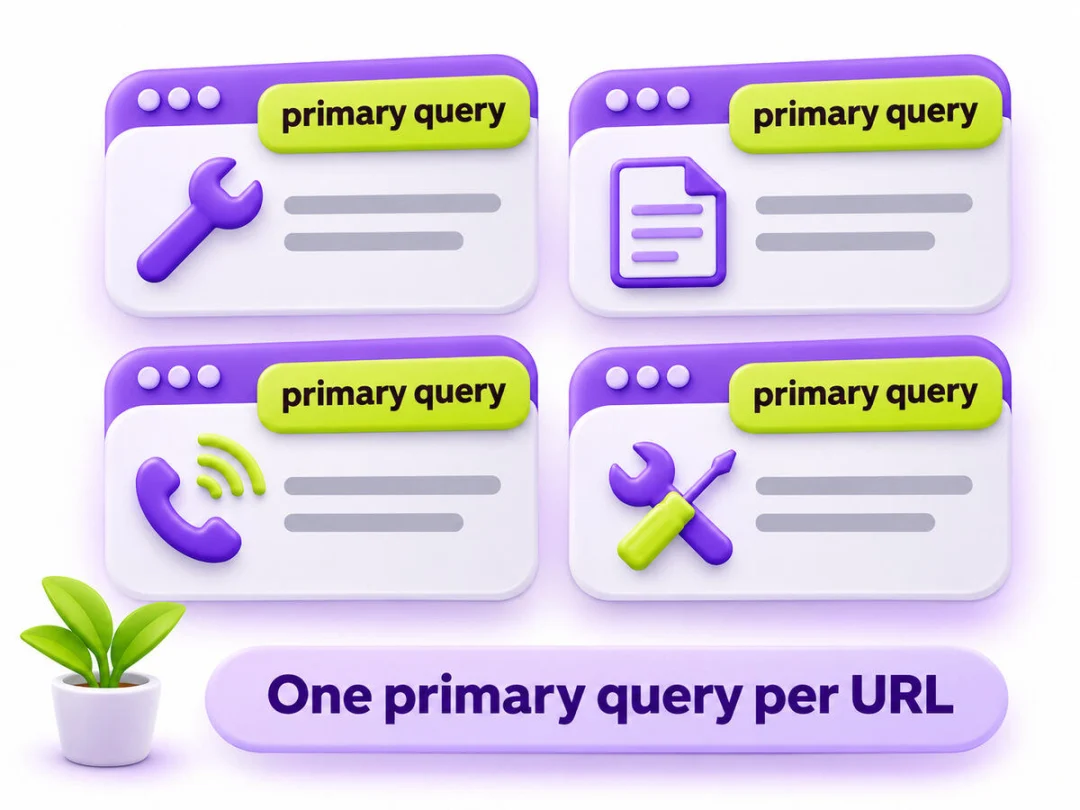
One primary query per URL
Review the change, then leave it alone if both pages help
After you rewrite, merge, or redirect, look at the same query again over a fair period—long enough that a couple of days cannot decide the matter. You are checking whether one URL is now the clearer result for that job, and whether the remaining page still answers its own question.
If both pages help, and they still answer different questions, do not "fix" them just to have a single URL. A healthy pair can both appear for related searches. Forced merging in that case removes a useful page without solving a conflict.
If the retired URL still appears in your menu, in old emails, or in in-site search, finish those cleanup steps. Then wait. Changing titles and redirects every few days makes the pattern harder to read and does not give the site time to settle.
FAQ
What is keyword cannibalization?
It is what happens when two or more pages on your site try to be the main result for the same query with the same intent. Shared wording is not enough; the conflict is the shared job. Some people also call this cannibalization SEO, but the check is the same.
How do I find keyword cannibalization in Search Console?
Start with one query that matters, choose a date range long enough to be fair, and open the Pages view. Write down which URLs appear and whether the pattern holds over time. There is no separate Cannibalization report, and there is no official impression threshold that proves a conflict.
Is it always bad if two pages appear for one query?
No. The pages may answer different questions, or search may show both because each is useful in a different way. That is not, by itself, a reason to merge them. Judge the intent first, and use the report as supporting evidence, not as an automatic delete list.
Should I 301-redirect every overlapping page?
No. First decide whether the pages share a job and whether the weaker page still has useful, distinct material. A permanent redirect belongs when the old URL should no longer exist. It is not the default fix for every overlap.
Can blog posts and service pages target the same keyword?
Usually not, if the intent is the same. Let the service page own the request to book or inquire, and let the article answer a specific question. The article can mention the service and point to the service page; it should not try to be a second service page.
How do I stop keyword cannibalization on a small site?
Give each URL one primary query and one job, check that inventory before you publish, and keep internal links pointed at the page that should be the main answer. When a conflict appears, differentiate, merge, or redirect based on intent—not based on a single week of data.
One clear page beats two competing ones
The conflict is easier to prevent than to unwind, but it is not mysterious. Check the job, read the query in Search Console when you have enough history, and keep one clear page for each need. Two URLs that truly help a reader can stay. Two URLs that fight for the same job should not.